
Free security & efficiency check
Your Microsoft security and licensing, clearly explained
The antivirus on your laptops, the protection on your email, the rules about who can sign in and from where, and the management of your devices are all part of Microsoft 365, and in every business we have taken on they were paid for and not switched on. This check looks at all of it, alongside what your team actually uses and what you are paying for, with any saving shown in pounds. Free, in plain English, and yours to keep whatever you decide to do next.

- Excellent Reviews on
- 90 day guarantee
- Calls answered by a person in under 60 second
- Cyber Essentials
- Microsoft Partner
- ISO 27001
- ISO 80001
- Excellent
- Trustpilot
- 90 day guarantee
- Calls answered by a person in under 60 seconds
- Cyber Essentials
- Microsoft Partner
What you get
A short, plain-English report in three parts. No jargon, no forty-page audit, just the picture you need.
Sample Report
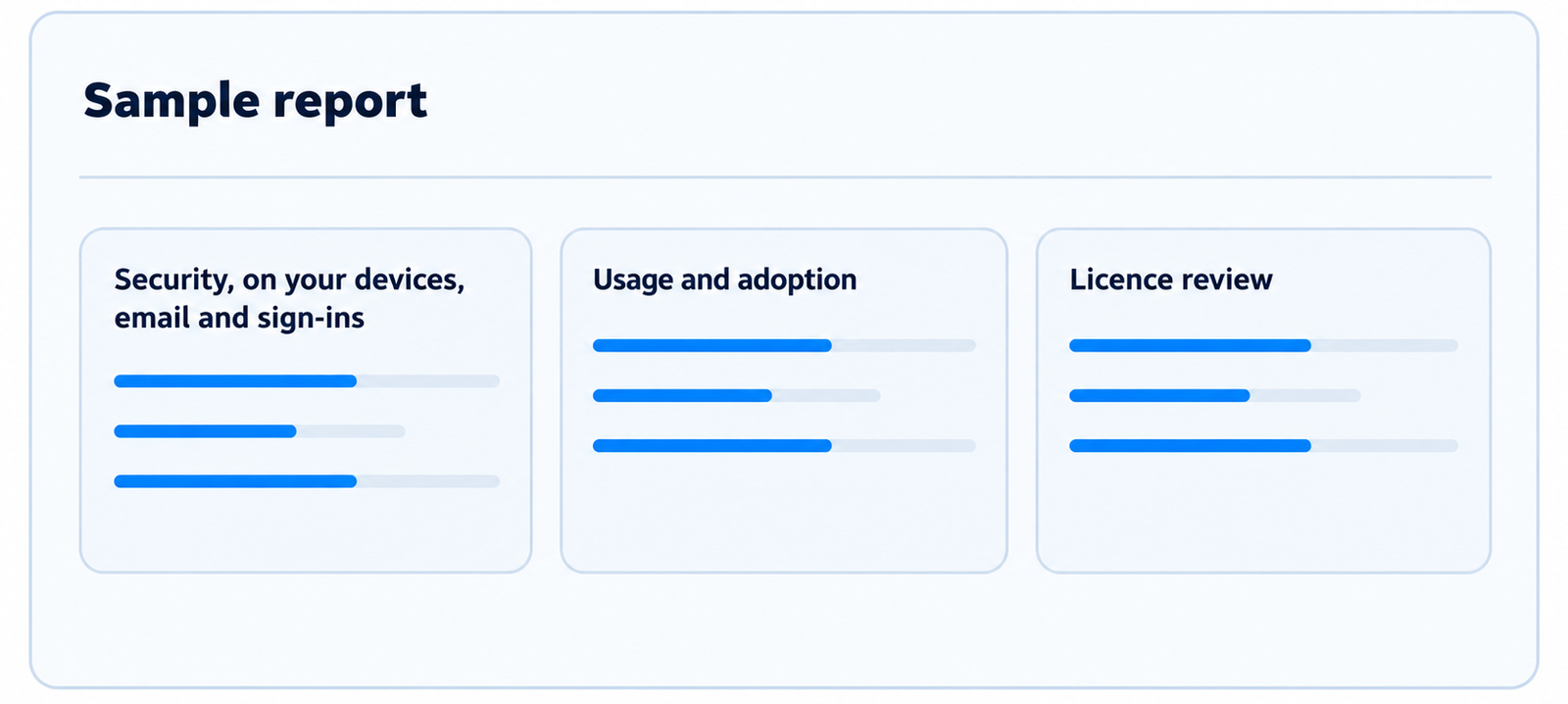

An example of the report you receive. Example company, not a real client.
Security, on your devices, email and sign-ins
Assessed against the CIS Benchmarks for Microsoft 365, a recognised external security standard, not our opinion
- Microsoft Defender antivirus on your laptops and desktops, and Defender for Office 365 on your email
- How many CIS benchmark checks your tenant meets, with every check listed in an appendix
- Your Microsoft Secure Score, and a sensible target for your size
- Conditional Access: MFA enforcement, blocking personal devices, location restrictions and app protection
- Intune device management, encryption and compliance
- App protection on mobile
- Phishing-resistant multi-factor authentication
- Email protection and anti-phishing
Usage and adoption
Which of the tools you already pay for are actually being used, and where the value is being left on the table.
- A tool-by-tool view across Teams, SharePoint and OneDrive, Planner, Lists, Loop, Forms and more
- How many of your core tools are in active use
- Microsoft Copilot adoption across your licences
- The quick wins available using tools already included in your licences, at no extra cost
Licence review
A FinOps check of your tenancy, so you pay only for what people actually use, with any saving shown in pounds.
- Spare licences paid for but not assigned
- Standalone licences a bigger plan already includes
- Accounts that are inactive or blocked but still licensed
- Plans larger than the business needs
- Duplicate cover on the same person
- Add-ons and shared mailboxes carrying a licence
What we usually find
Every Microsoft 365 tenancy we have reviewed so far has had something in it being paid for and not used. The pattern is consistent. Licences still attached to people who have left and can no longer sign in. Add-ons paying a second time for something the main plan already includes. Spare seats bought for a starter who never arrived. The expensive licences, Copilot and Windows 365 among them, sitting idle. In one recent review, five blocked accounts were still holding eight paid licences between them. In another, a tenancy was paying for a mail add-on three times over, twice for mailboxes that already had it and once for an account nobody had used since 2023. Nothing dramatic, just money going out every month for nothing, which is exactly why the check is free.
Security is more consistent still. Every one of the 24 businesses we have taken on or done security work for since 2024 was paying for protection it had not switched on. The mix varies, but the same gaps come up again and again: phishing-resistant sign-in not deployed, which costs nothing extra. Conditional Access not set up, so there is no rule about who can sign in from where. Devices not managed through Intune. No protection on the company apps on personal phones. Microsoft Defender, for devices and for email, either not configured properly or not configured at all. In one recent review, 23 mailboxes had no Defender for Office 365 protection despite the licence including it. The result is protection that has been paid for and is not protecting anything.
Independent research tells the same story at scale: a 2026 study across more than 40 million software licences found around a third go unused. Our reviews find the same thing in businesses of 10 to 150 people, one tenancy at a time.
Source for the independent figure: Zylo SaaS Management Index, 2026.
What it takes from you
Very little of your time. To run the checks we need Microsoft 365 administrator access for the duration of the assessment. You authorise the secure connection to our Inforcer software using your own account, and you never share your password with us. We use the access only to collect the information the check needs, we confirm the exact permissions with you before we begin, and the access can be removed afterwards. If you would rather, we can run the whole thing in a supervised screen share, so you see every step as it happens.
What happens next
We produce your report, send it over, and then spend an hour going through it with you line by line on a Teams call, so you know exactly what it means and where to start.
What it takes from you
Very little of your time. To run the checks we need Microsoft 365 administrator access for the duration of the assessment. You authorise the secure connection to our Inforcer software using your own account, and you never share your password with us. We use the access only to collect the information the check needs, we confirm the exact permissions with you before we begin, and the access can be removed afterwards. If you would rather, we can run the whole thing in a supervised screen share, so you see every step as it happens.
See your Microsoft security and spend clearly
Free, in plain English, and yours to keep whatever you decide to do next.